“I Can’t See!” Why Digital Flashcards Are a Game-Changer for Whole-Class Vocabulary Practice
Have you ever held up a set of printable flashcards during whole-group instruction—only to hear a chorus of “I can’t see!” from the back of the room?
It’s a common struggle. Printable flashcards are an amazing tool for small groups, centers, and hands-on activities, but when it comes to whole-class instruction, their small size can sometimes make it tough to keep everyone engaged—especially those sitting farthest from the front.
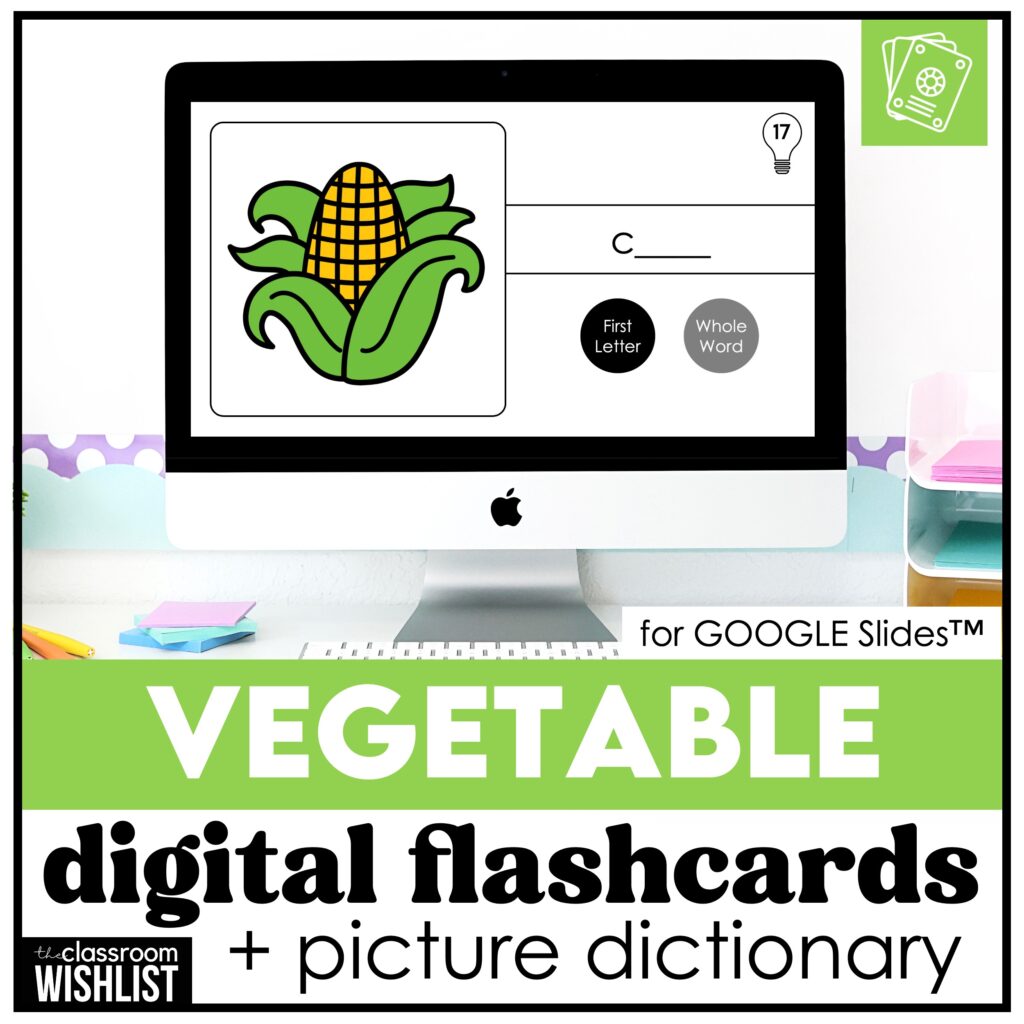
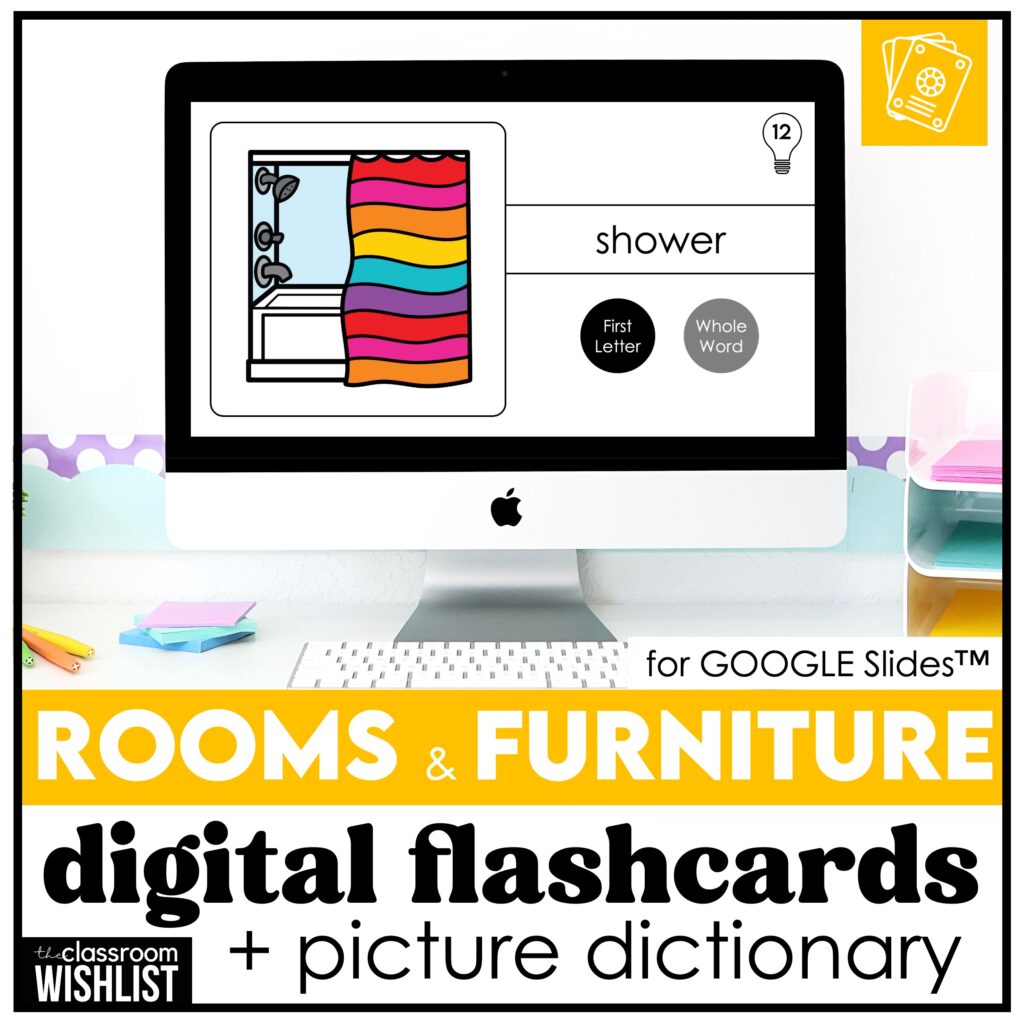
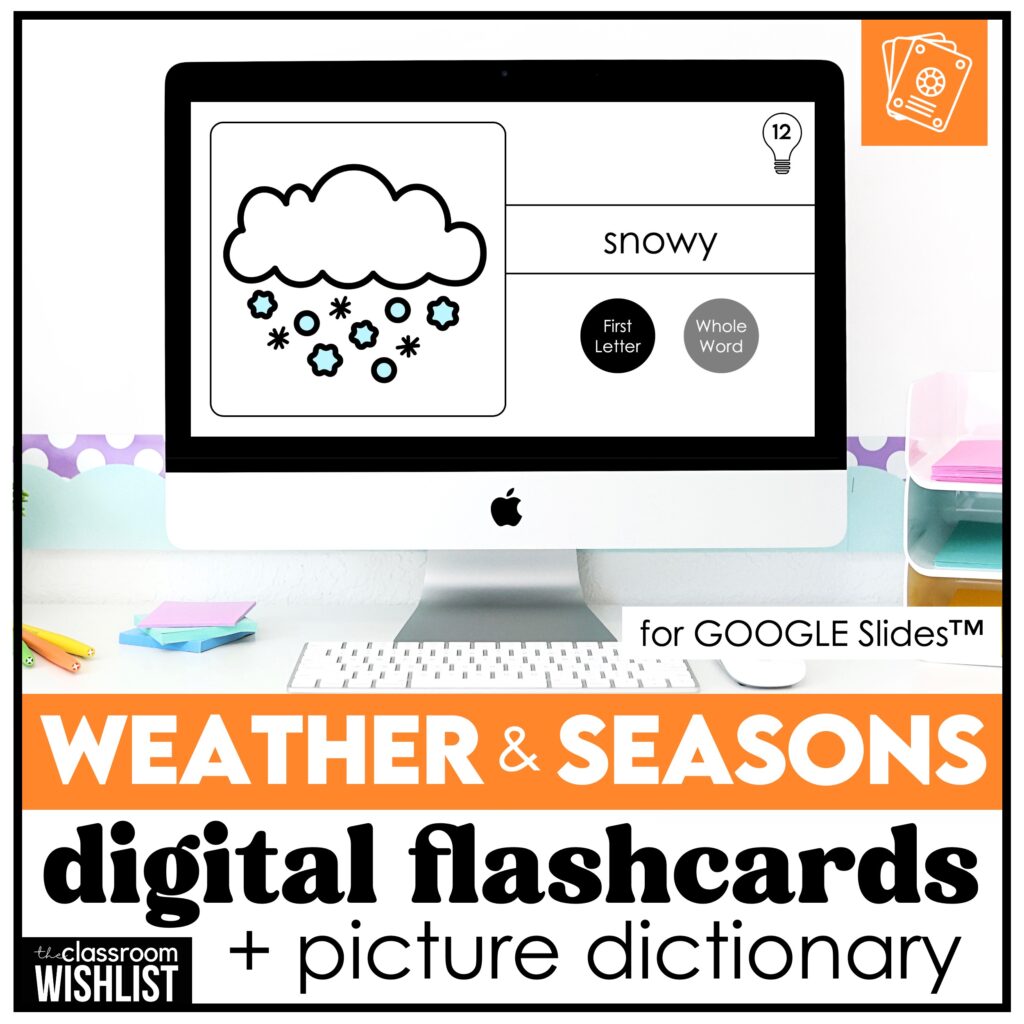
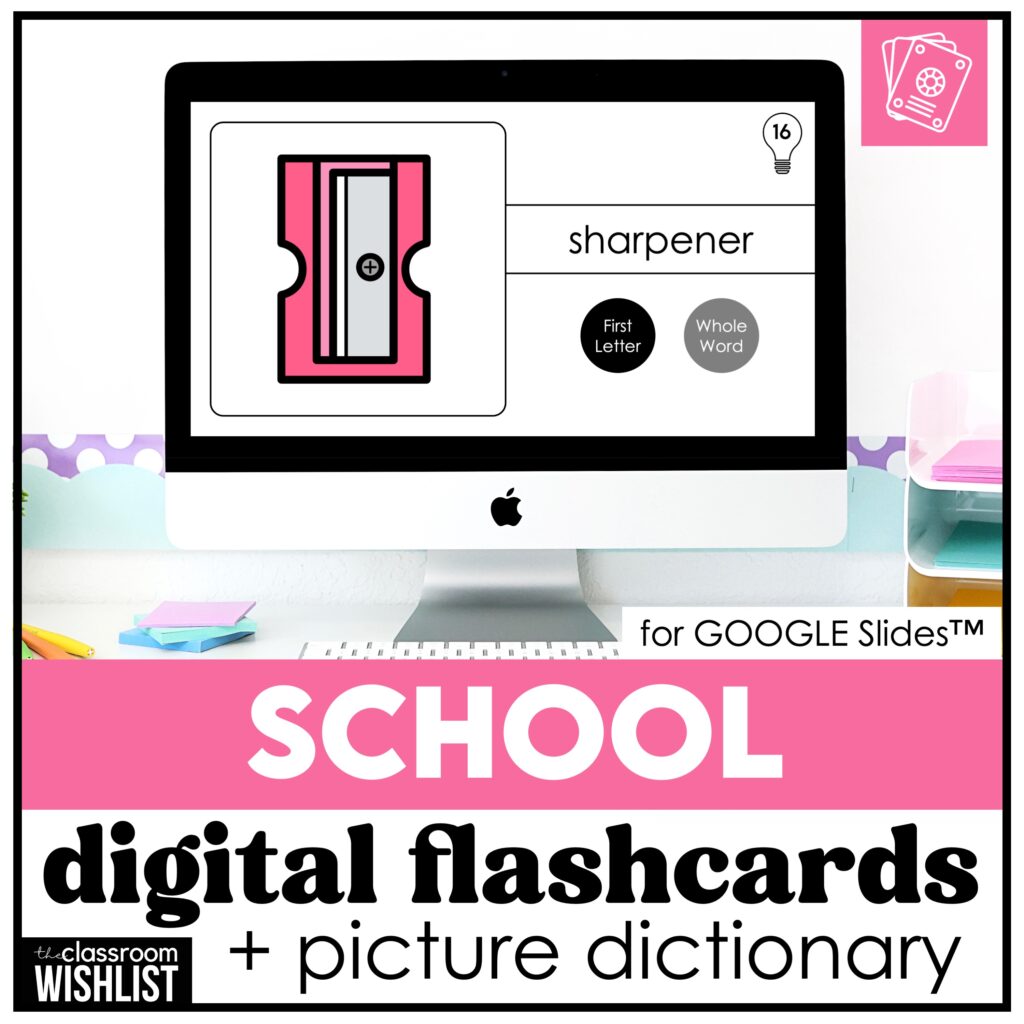
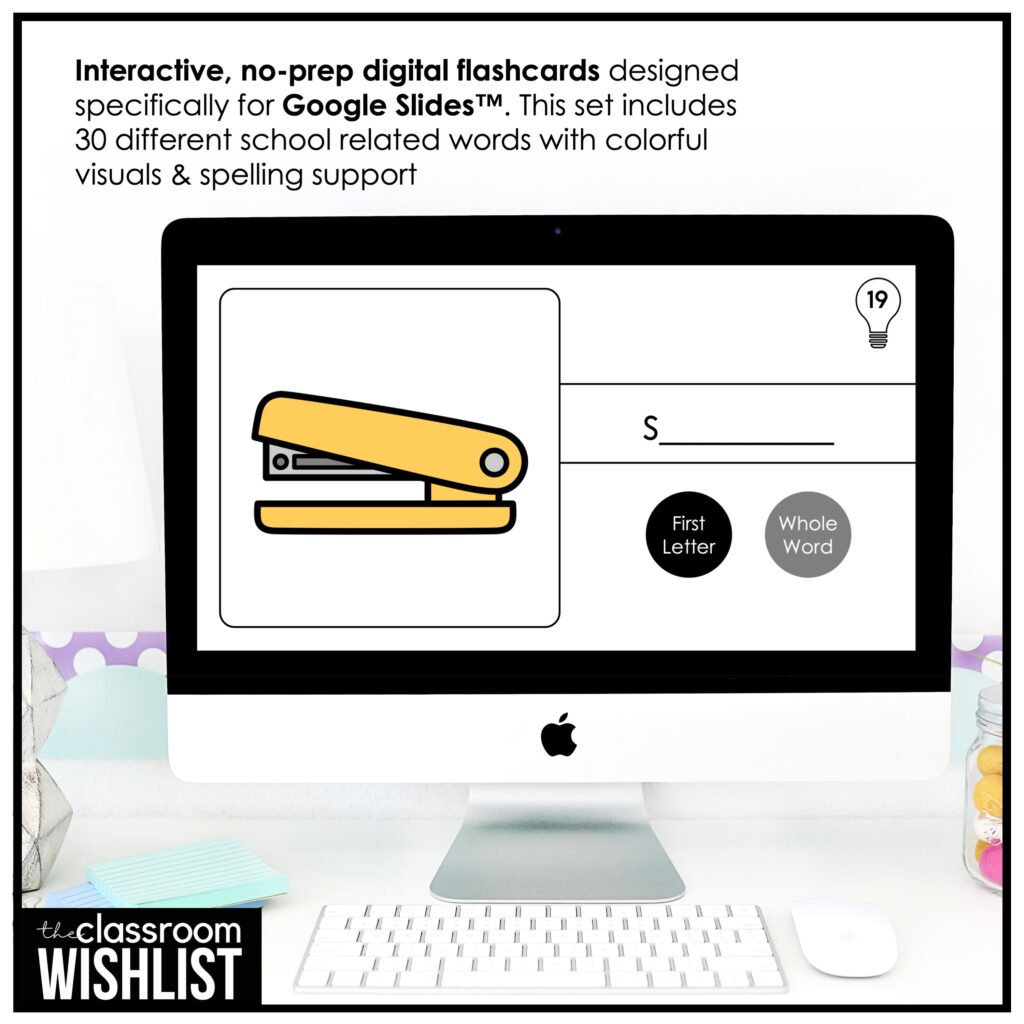
That’s exactly why I created my line of interactive digital flashcards using Google Slides™. They’re designed with whole-group teaching in mind and give every student a front-row view of the lesson—no matter where they’re sitting.
Why Use Digital Flashcards?
Let’s be clear—both digital and printable flashcards have a place in the classroom. They each serve different purposes and can work beautifully side by side in your teaching routine.
Printable flashcards are fantastic for:
- Small group and center work
- Matching and sorting games
- Partner vocabulary practice
- Tactile learners who benefit from physically handling cards
But for whole-class instruction, digital flashcards offer a clear advantage. They give every student an equal opportunity to engage with the content in real time—no squinting necessary!
Designed for Visibility and Engagement
My digital flashcards are built to eliminate the frustration of “too small to see.” Each set features:
- Bright, simple visuals that are easy to recognize
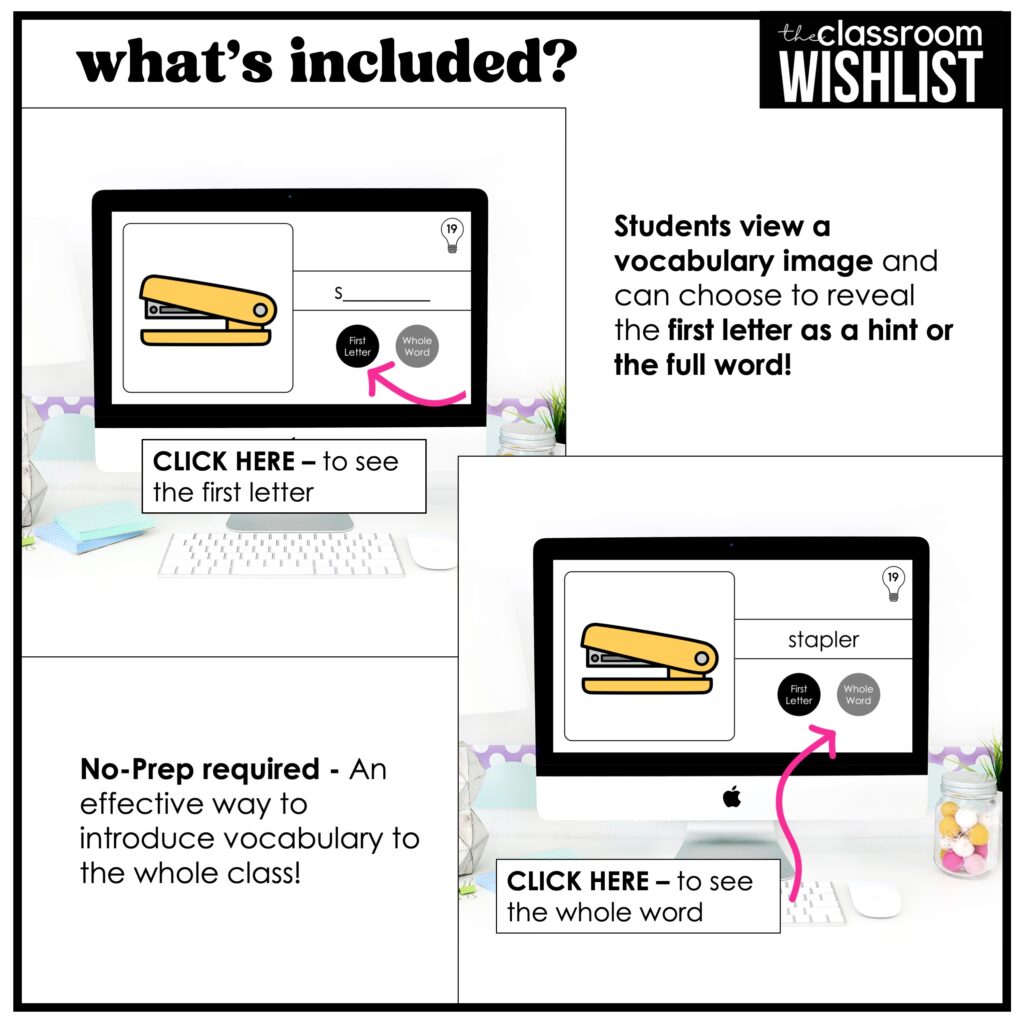
- Built-in spelling support (reveal just the first letter or the full word)
- A clean, distraction-free layout
- Slides ready to project on your whiteboard or smartboard
How to Use Digital Flashcards in Your Classroom
These aren’t just slides you flip through—they’re versatile tools that can fit into many parts of your day. Here are some classroom-tested ideas:
1. Whole-Group Vocabulary Introductions
Use the slides to introduce new words as part of your morning meeting or a themed unit. Show the image and ask students to guess the word. Then click to reveal the first letter—or the whole word!
2. Warm-Up or Review Activity
Start your day with a 5-minute vocabulary warm-up using a themed flashcard set. It’s a great way to review and get students thinking right away.
3. Interactive Speaking Practice
Encourage students to form complete sentences:
- “I see a pencil.”
- “This is a tomato.”
- “It’s a school bus.”
The clear images offer the perfect support for language learners and early speakers alike.
4. Pair with Printables
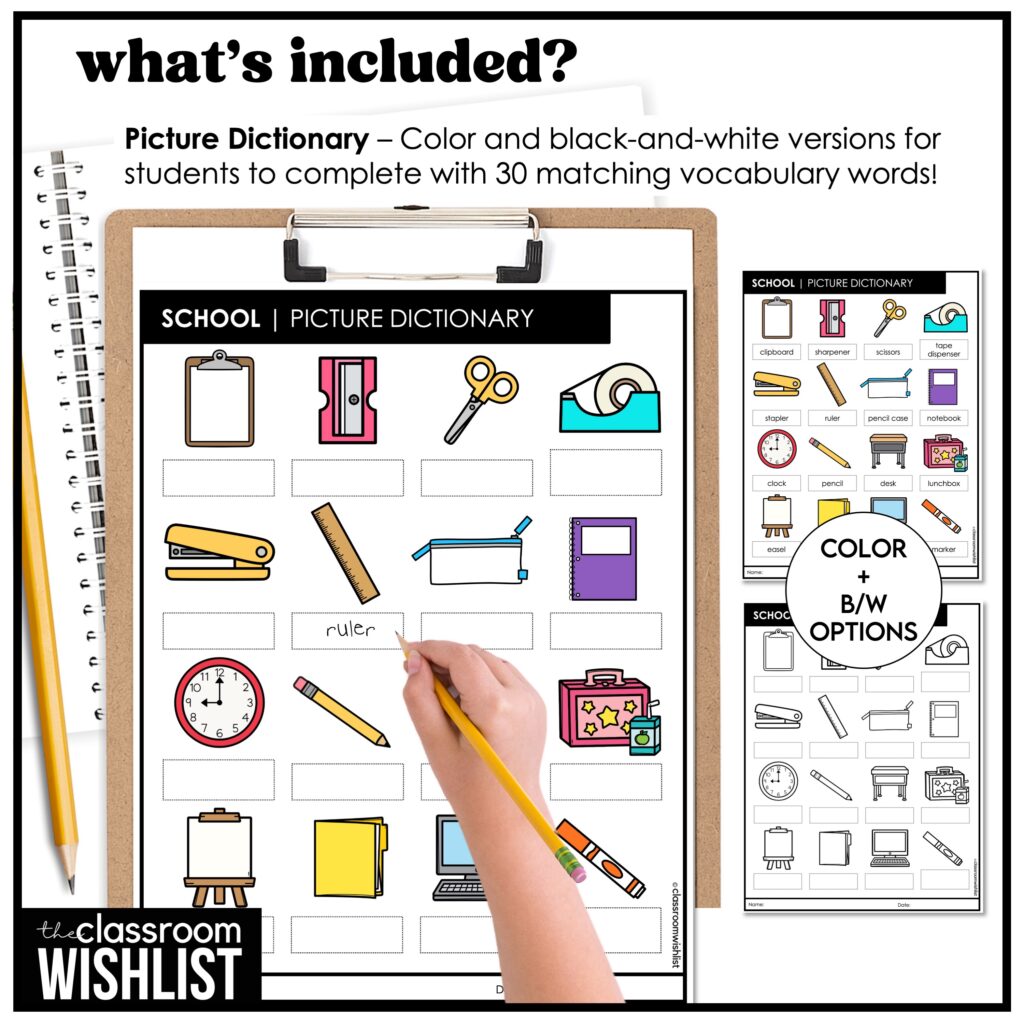
After a group lesson, reinforce the vocabulary with printable picture dictionaries, mini word books, or cut-and-paste activities. Print and digital go hand in hand!
5. Centers and Independent Practice
If you have classroom devices, students can work through the slides independently or in pairs. It’s also a great early finisher activity.
Who Can Benefit from Digital Flashcards?
These flashcards are especially effective for:
- Preschool and kindergarten students
- ESL/EFL learners building vocabulary and sentence structure
- Speech and language therapy sessions
- Special education classrooms with visual learning needs
But truly, any group of young learners can benefit from the clarity, structure, and interactivity digital flashcards provide. Another great way to practice vocabulary is by playing memory match. Here is a great article on how to use memory games in the classroom.
What Teachers Are Saying
“These were a lifesaver during whole-group lessons. My students could finally see what we were talking about!”
– Amanda R., 1st Grade Teacher
“I use them every morning for our vocabulary review. It’s become a routine my students look forward to.”
– Priya K., Kindergarten Teacher
“Perfect for ESL! My students love guessing the word and then checking if they’re right. So simple and effective.”
– James L., ESL Instructor
Print + Digital = The Perfect Pair
Let’s not forget—printable flashcards are still incredibly valuable. They’re perfect for independent work, games, and small-group practice. But when it comes to whole-group instruction, digital flashcards shine by making sure everyone is part of the learning experience.
Think of it this way:
- Print flashcards: Centers, games, hands-on work
- Digital flashcards: Whole-group visibility, interactive instruction, warm-ups
Ready to Try Digital Flashcards?
If you’re looking for a fun, no-prep way to boost vocabulary instruction, digital flashcards are a great place to start. They save time, reduce classroom stress, and give every student the chance to actively participate.
Explore themed sets like:
Each one is designed with bright visuals, simple layout, and interactive features your students will love.
Shop Digital Flashcards Below